 Accounting Scalable
One login for your companies
Switch companies and financial years without opening a different application for each company.
HOLDINGS & MULTIPLE COMPANIES
Manage holding, subsidiary and project companies in one interface. With separate books and a shared work overview.
Multiple companies need not mean scattered work statuses. See where bank transactions remain unposted, documents are missing or tasks are open. Every entry, invoice and report retains its own company.
Switch companies and financial years without opening a different application for each company.
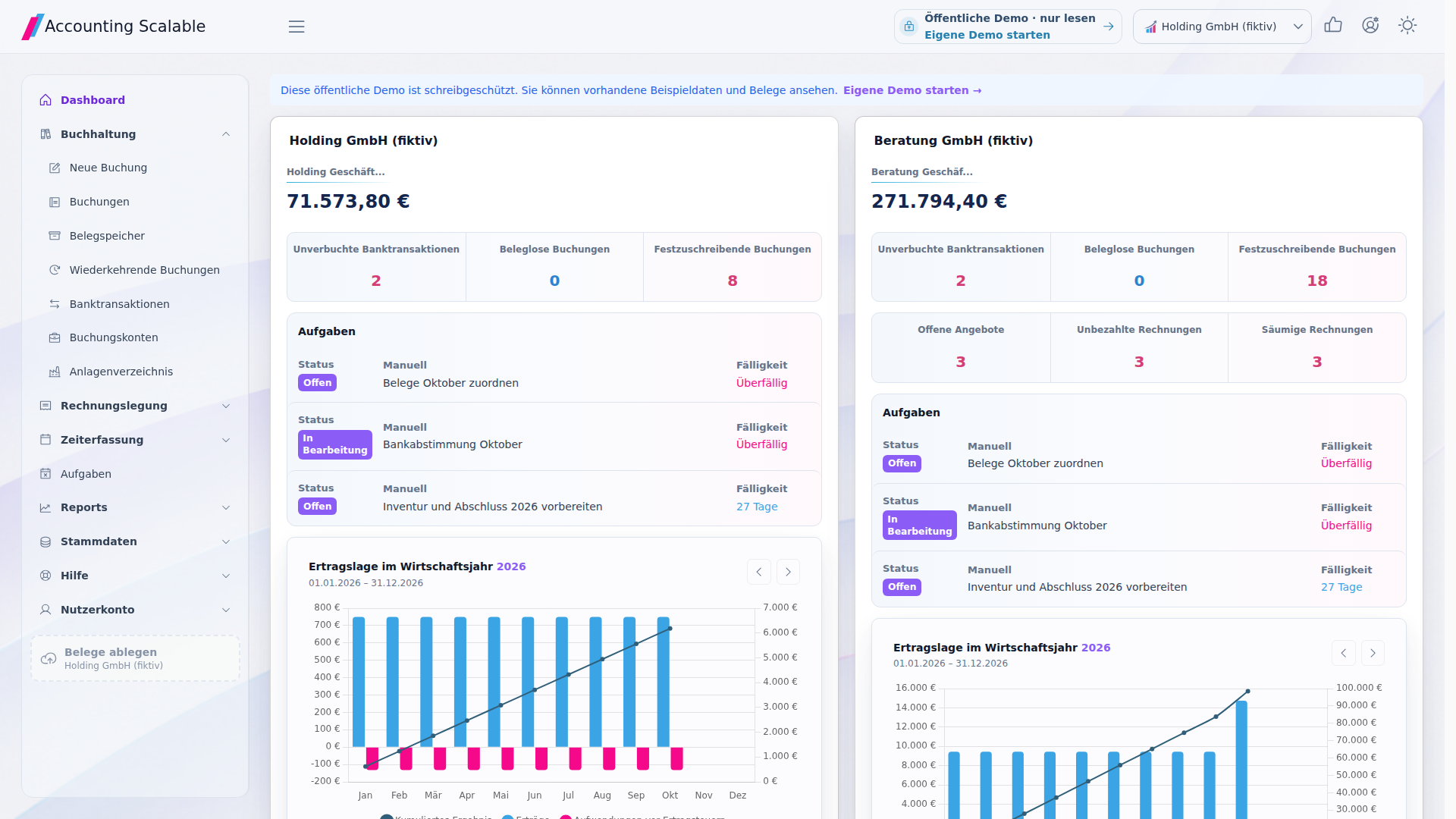
Company cards show bank balances, unposted transactions, missing documents and open tasks.
Prepare your companies' year-end accounts with checklists and automatic closing entries.
A look inside the app
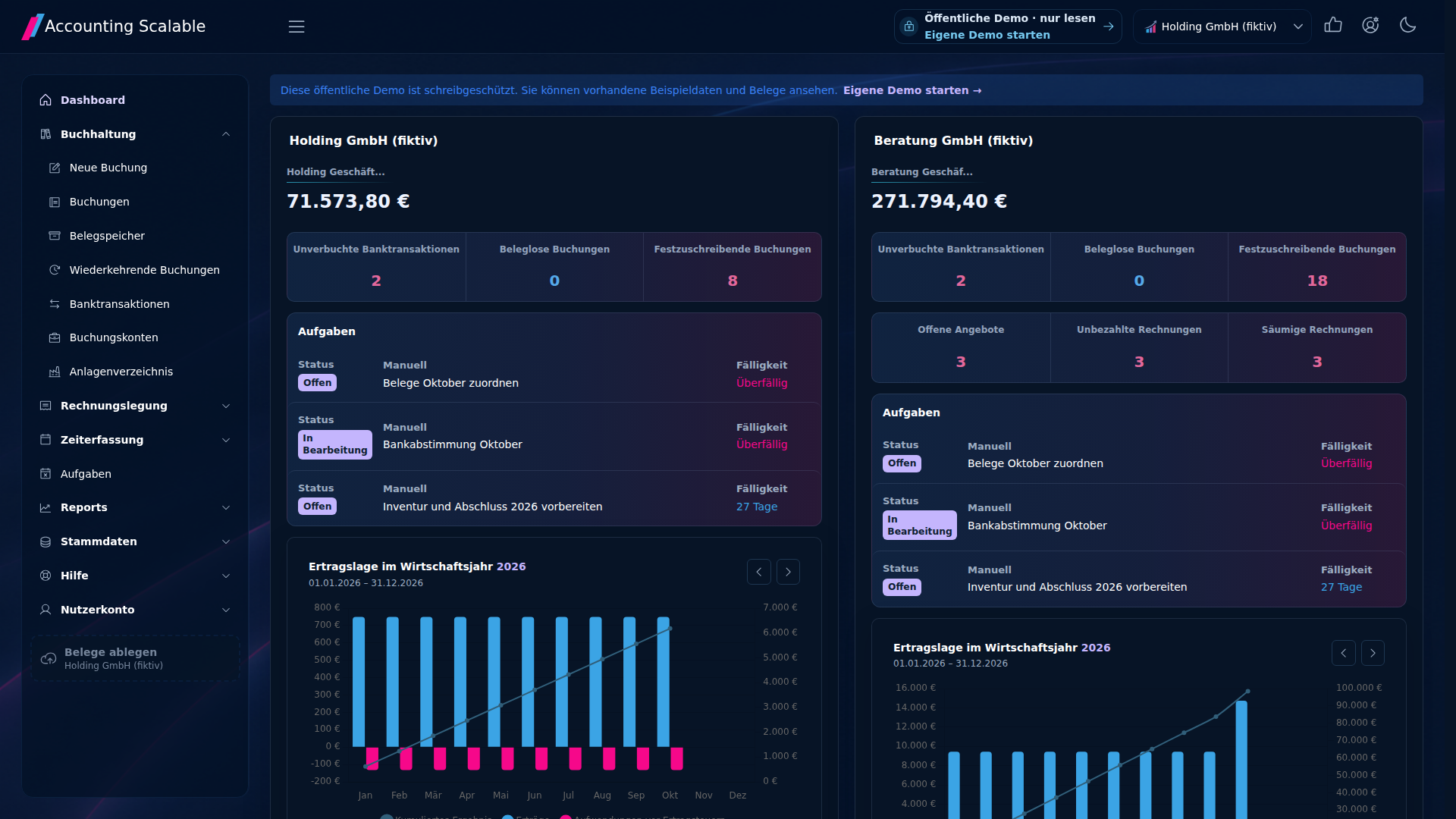
The shared dashboard shows your companies’ work status. See where receipts or bookings still need attention and switch directly to the relevant company.
A TRACEABLE START
Start bookkeeping directly with SKR03- and SKR04-compatible account templates.
Year-end accounts
Prepare year-end accounts for your GmbH or UG yourself – including without a tax adviser. The App assistant helps with closing entries, balance sheet, income statement and year-end documents. You review and approve.
Explore feature ↗Integrations
Your AI can handle posting work automatically every day through a scheduled task in your agent workflow. You review results and finalize.
Explore feature ↗Multiple companies in view
Manage holding, subsidiary and project companies in one instance. Track outstanding work together and check profit and loss statements and balance sheets for each company.
Accounting for multiple companies in detail →Fictional holding company day-to-day work
The fictional Holding GmbH (fictional) and Beratung GmbH (fictional), its operating subsidiary, each have their own business bank account. At the start of the review, the dashboard shows where receipts or bank assignments are outstanding.
An intercompany transaction is not automatically reconciled or consolidated. The example shows a workflow and does not prescribe tax account assignments.
Software criteria for multiple companies →The company overview does not include group consolidation, automatic intercompany reconciliation or individual access permissions per company. SKR03- and SKR04-compatible account templates contain a selection of common accounts and can be extended. Bank connections depend on the bank and data provider.