 Accounting Scalable
Each company has its own books
Master data, accounts, documents, entries and financial years stay assigned to the correct company. This lets the holding, operating GmbH and project companies work in the same application.
Explore company management →Bookkeeping for GmbHs, UGs and holding companies · B2B only
Manage several GmbHs or UGs in one instance: separate books, income statement and balance sheet per company and a shared overview of outstanding work.1
Accounting Scalable brings your companies' bookkeeping together in one interface. Switch between companies and financial years, review bank transactions, documents and invoices, and create reports for each company.
Master data, accounts, documents, entries and financial years stay assigned to the correct company. This lets the holding, operating GmbH and project companies work in the same application.
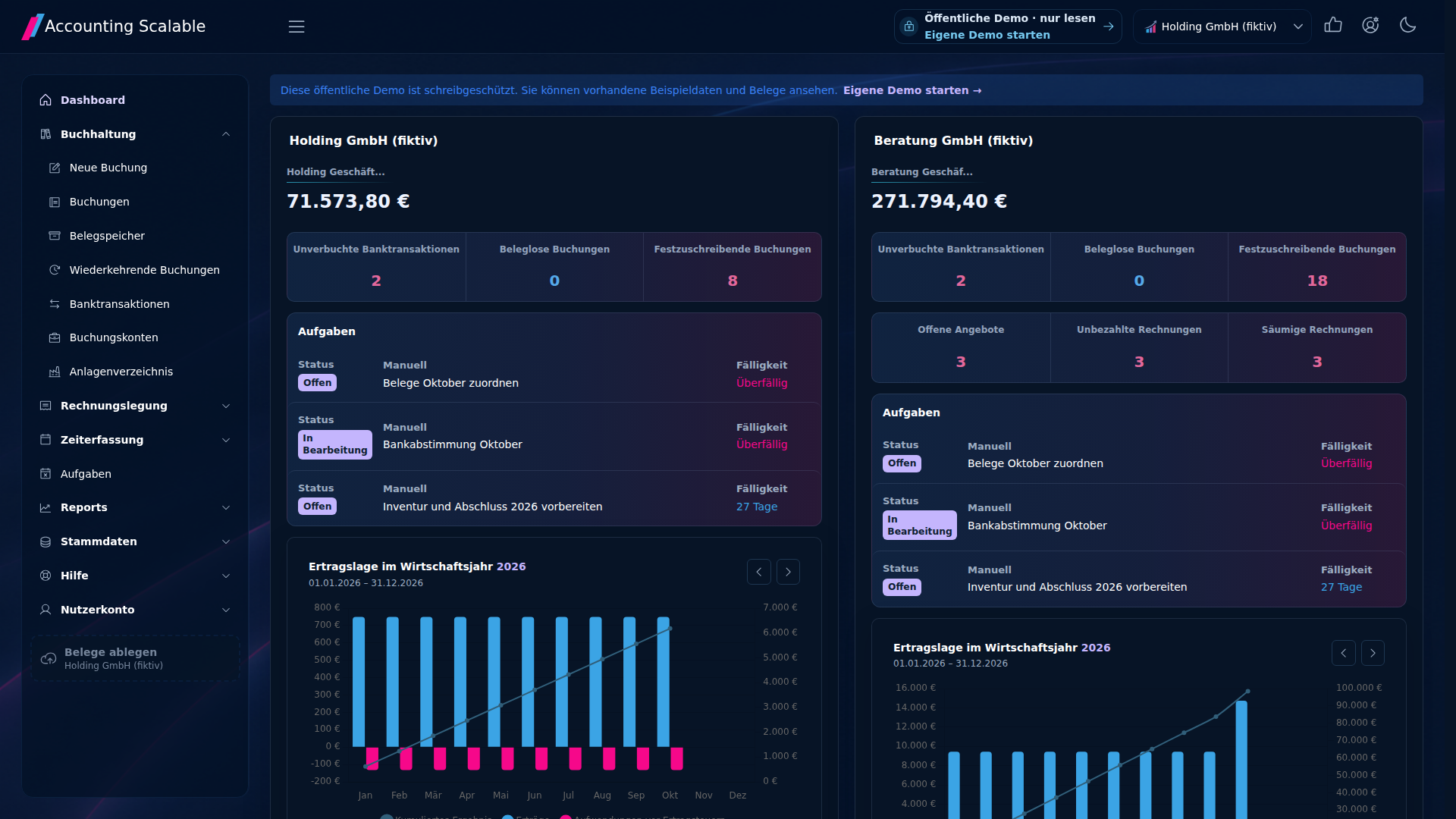
Explore company management →Company cards in the dashboard show bank balances, unposted bank transactions, missing documents and open tasks. See which company needs work and go directly to the relevant transaction.
Explore the holding workflow →Select company and period or reporting date for the report. Use income statement, balance sheet, business performance report and trial balance to check the individual company's results, assets and account balances.
Reports in detail →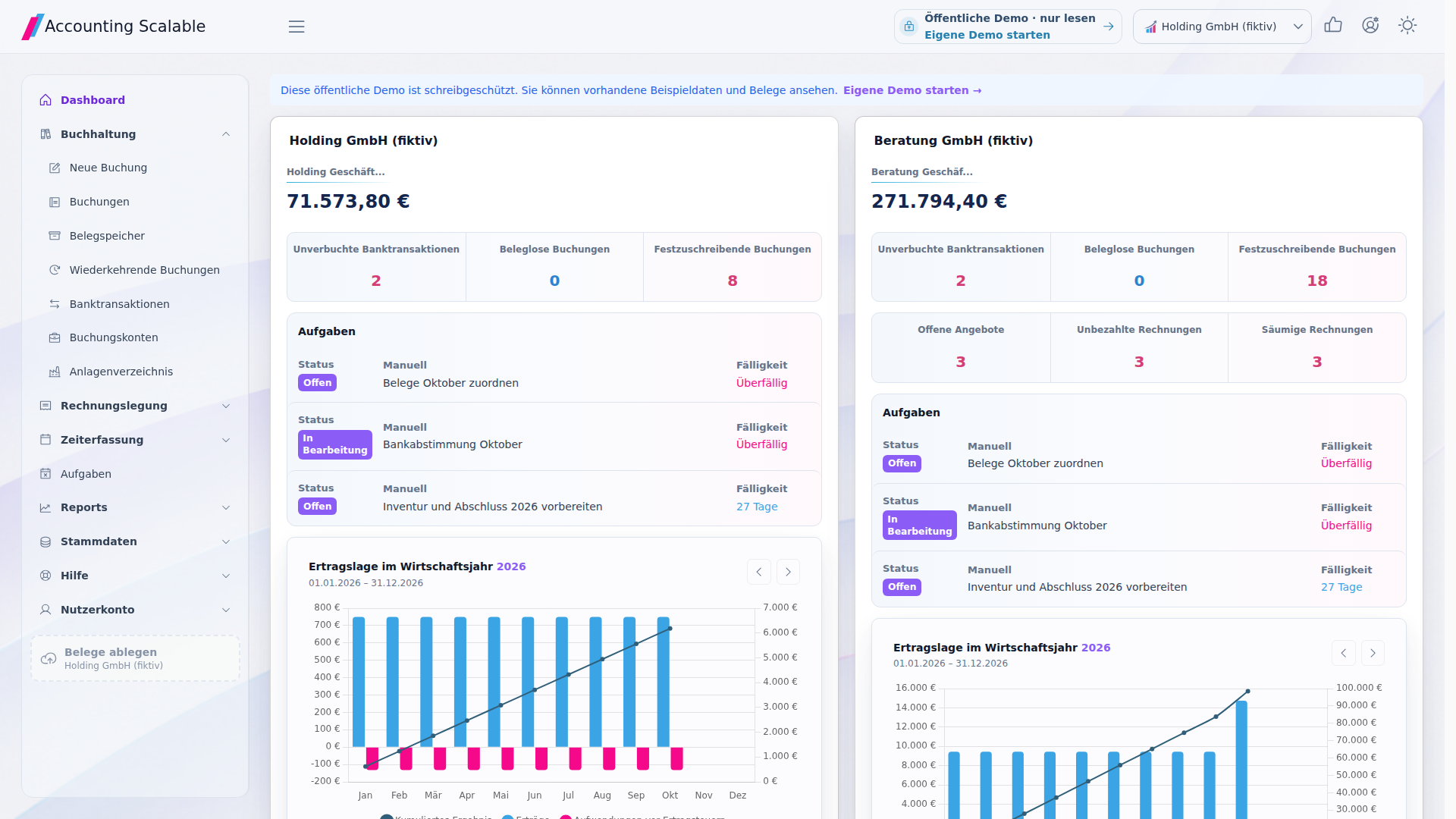
The fictional Nord Holding GmbH owns the shares in the equally fictional Nord Werk GmbH. Both are managed in one instance. The holding records, for example, its investment and administration costs; the operating GmbH records customer invoices and supplier documents. Company details, accounts, receipts, journal entries, financial years, profit and loss statements and balance sheets remain assigned to the respective company.
The shared dashboard shows both company cards with their respective bank balances, unposted bank transactions, missing receipts and tasks. Open an outstanding task to work in the relevant company. The cards do not merge journal entries or produce consolidated financial statements.
From the first subsidiary to a company group
Organise your companies with the same workflow and a suitable plan.2
Compare prices and allowances →Create companies with their master data and financial years. Choose SKR03- or SKR04-compatible account templates and add required accounts.
Connect the respective bank accounts, assign documents to the right company and process its invoices and payments.
Start in the dashboard with open bank transactions, missing documents or tasks. Switch to the relevant company to work on them.
Review each income statement and balance sheet. The year-end assistant guides you through closing tasks; E-Bilanz and register export follow.
Your questions about multiple companies
Yes. Multiple companies are managed within one instance. Accounts, documents, entries and financial years stay separate per company. The shared dashboard shows work statuses.
In Accounting Scalable, create an income statement and balance sheet per company and selected period or reporting date. The cross-company overview shows outstanding work and company metrics. A consolidated group income statement or balance sheet requires a separate consolidation process.
Manage the holding and subsidiaries with separate books, switch between companies and track open documents, bank transactions and tasks together. Filter invoice lists by company; prepare year-end accounts per company.
Open the holding tour on the demo page. Compare the company cards, switch to a company and open a sample document and its balance sheet. Request your personal test instance for your own data, a bank connection and your own entries.
The shared work overview is not group consolidation. Automatic intercompany reconciliation, elimination of intragroup transactions and consolidated group financial statements are not included.
Available user and other quotas depend on the plan. Individual access permissions per company are not included; agent access applies across the instance. Compare plans
SKR03- and SKR04-compatible templates contain a selection of common accounts. Bank connections depend on the bank and data provider. E-Bilanz and register export require suitable years, taxonomies, mappings and instance configuration. Register files are submitted manually; professional review and approval remain with the company. Year-end accounts and submission