 Accounting Scalable
Share data
Work with structured data.
Want to import existing posting data or share it with an accounting firm? File exchange makes format and mappings visible. A separate audit export supports providing data on storage media.
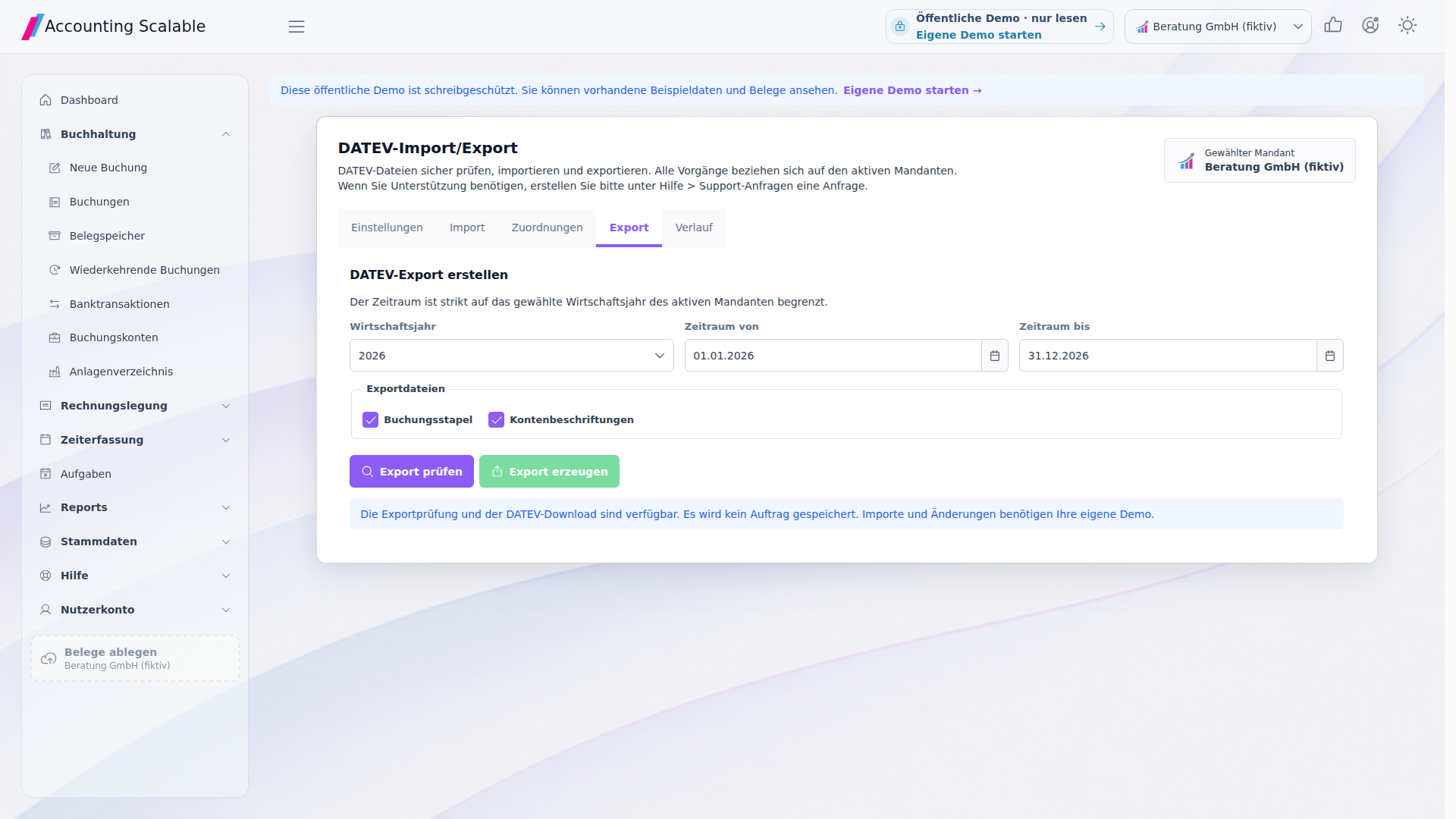
The feature scope
What you can do with it.
Import and export DATEV EXTF files and provide data for a tax audit.
Import with a visible preview
Review posting batches in the import preview and map accounts and tax types. Ambiguous mappings are not silently guessed.2
Export posting data
Generate DATEV EXTF files for the intended exchange. Company, financial year and period form the accounting context.1
Provide an audit export
Compile posting and account data for a tax audit in the GDPdU/Z3 export. Select company and period deliberately.3
How to work with it
A clear workflow.
Coordinate the exchange
Clarify purpose, company, period and the required file format.
Check mappings
Check the preview and required account/tax mappings.
Use a file
Import reviewed data or share the generated export through the agreed method.
Your questions
Brief answers.
How do I prepare data for my tax adviser?
Agree on company, period and EXTF file format and create the appropriate export in the App.
Can I import existing posting batches?
Yes. Open the import preview, map accounts and tax types and import the reviewed data.
Connected
The next step in your workflow.
See for yourself
See the workflow.
Explore sample data or start your own test instance with your data.
Content updated on .
Notes and requirements
DATEV here means EXTF file exchange, not a direct DATEV cloud connection or partnership.
Not every DATEV format or special case is supported.
An audit export is not a tax submission.
The offering is exclusively for businesses within the meaning of section 14 BGB.